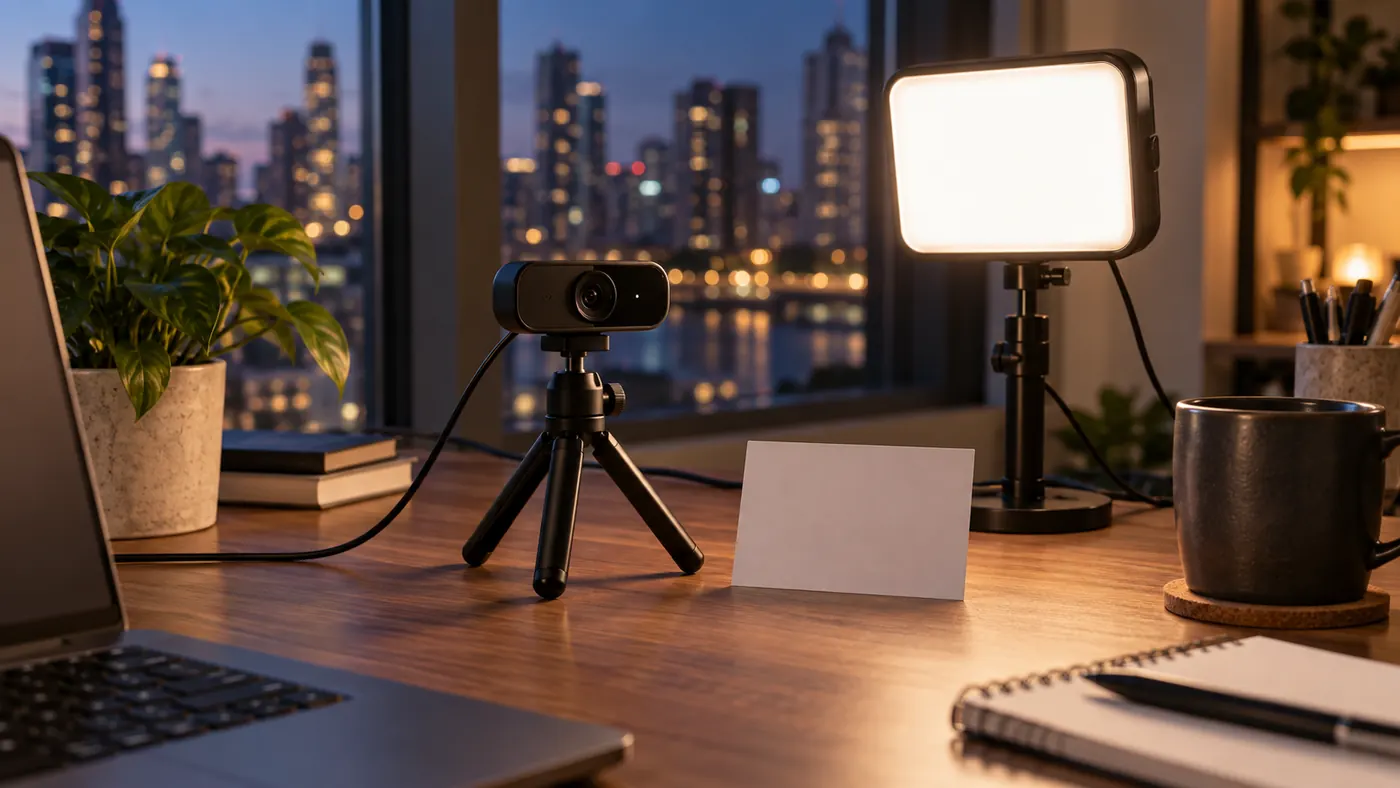
Build around a usable seat, not an idealized portrait
A desk light has to share space with hands, documents, a keyboard, and the path out of the chair. I start the installation from a comfortable working position and fit illumination around it. Moving the speaker into a flattering but awkward pose reverses that priority. A light that makes someone lean away, twist toward the camera, or avoid a display is not a successful meeting accessory, however attractive the preview looks.
Clear a place for the fixture before switching it on. Check the manufacturer's mounting and ventilation instructions, the stability of the base or clamp, and the route to a suitable outlet. Do not drape fabric over a hot bulb or improvise a diffuser against a fixture that was not designed for it. Use a purpose-made shade or diffuser, or bounce suitable light from a nearby surface, while keeping required clearances.
Look at the camera's field of view from your normal seat. A fixture just outside the picture can still reflect in a monitor, glasses, or a framed print. Reserve more than one possible position so you can change the angle without sacrificing desk access. If the only available location creates glare or obstructs a doorway, acknowledge that constraint before buying a larger panel that will be harder to accommodate.
Find direction with a low-output positioning exercise
Start at a comfortable, modest output and place the source roughly beside the camera, a little above the lens if the mount allows. The face should receive light from a direction compatible with where you look. From there, move the fixture gradually sideways while watching both eyes. Stop before the far eye becomes difficult to read. The aim is enough shape to distinguish facial features without forcing colleagues to interpret a dramatically divided face.
- Seat yourself where keyboard and screen use are comfortable.
- Place the lamp clear of the image and walking route.
- Change its sideways position before adjusting its height.
- Turn toward the display used for notes and check the far eye.
- Return to the lens and choose the least demanding position.
Height changes the shadow pattern independently of sideways position. A very high source can put the brow between the light and the eyes. One below the chin can produce an unfamiliar upward pattern and illuminate the underside of glasses. Lower or raise the fixture in small steps, leaving its output alone. This makes the geometric effect easier to recognize than a trial in which every movement also changes brightness.
There is no compulsory angle that works for every face, frame, or desk. Facial features, eyeglass shape, the size of the source, and the camera's location all matter. Treat familiar portrait-lighting advice as a starting suggestion rather than an ergonomic requirement. The useful position is the one that keeps expression legible while you read, listen, and speak naturally, not the one that reproduces a diagram precisely.
Make softness a question of apparent size
A small bright emitter can create sharp shadow edges and concentrated highlights. A larger illuminated surface, seen from the speaker's position, generally produces gentler transitions. That surface might be a diffused panel or a patch of wall lit by a suitable lamp. The distinction is apparent size, not simply the physical dimensions printed on a product listing. A large panel far away can behave more like a small source than expected.
Moving a source nearer can make it appear larger and deliver more light, but it can also make brightness less even as you move. A small forward lean may become a substantial change in distance. Test that movement before accepting a close placement. If the near cheek becomes conspicuously bright while the far cheek stays dark, increasing output is unlikely to fix the underlying direction and distance relationship.
When a wall can serve as the illuminated surface
A matte, pale wall can spread reflected light over a broad area, provided the fixture can be aimed there safely. Watch for a color cast from painted surfaces. A warm wall may produce pleasant room ambience but make accurate skin color harder to maintain alongside daylight. You also lose some light through reflection, so a weak lamp aimed across a large room may not provide enough useful illumination at the chair.
Compare the direct, shaded, and bounced arrangements at ordinary viewing size. Do not judge softness only by whether a still face appears smooth. Notice the outline of the nose shadow, glare on the forehead, and how the eyes look when you turn. Choose a configuration that is comfortable without staring at the emitter. If every usable direction leaves a bright source in peripheral vision, a different fixture or desk orientation may be necessary.
Resolve glasses glare without making the room darker
Eyeglass reflections are an angle problem before they are an exposure problem. Light leaves the source, reflects from a lens surface, and reaches the camera along particular directions. Moving the source can break that path while preserving face illumination. Watch the reflected shape as you shift the lamp upward or sideways. A reflection sliding away from the pupil is more informative than an overall image becoming dimmer.
Check both lenses and several normal head positions. Curved glasses may clear on one side while still catching the source on the other. Reading a note can bring the reflection back even when looking directly at the webcam appears fine. Avoid a solution that requires tilting your glasses unnaturally or maintaining a rigid head angle. The equipment should accommodate the speaker's normal use of their prescription lenses.
A monitor can be the reflected source too. Temporarily display a dark window to distinguish its rectangle from the lamp's shape, then restore normal work material. If the reflection changes with screen content, moving only the lamp will not solve it. Small adjustments to screen orientation or camera placement may help, but preserve readable screen height and posture. Privacy-sensitive content should be kept off reflected displays regardless of whether it appears sharp in one preview.
Once the direct reflection is controlled, reconsider output. A broad luminous source may remain visible as a soft patch but no longer hide the eyes. That can be an acceptable compromise for an ordinary call. Trying to remove every trace of reflection can lead to unnecessarily dark lighting or uncomfortable placement. The relevant criterion is whether colleagues can read expression without the source dominating the glasses.
Commission the arrangement for the whole room
Inspect the fixture controls from the seated position. A dimmer hidden behind a monitor may encourage you to reach awkwardly or leave the lamp at an uncomfortable setting. Arrange access so the light can be switched off promptly without disturbing the camera. In a shared installation, identify the intended control with a simple label if appropriate. This reduces the chance that another person changes the wrong lamp or pulls a cable to darken the desk.
Turn on the other lights that normally remain in use and open the blinds to their expected position. Your added source now has to coexist with them. If one cheek looks warm and the other cool, determine which source dominates each side before adjusting the camera's color controls. A global white-balance change cannot independently correct two different light colors arriving on different parts of a face.
In a shared room, walk to the other seats and look back toward the fixture. Ask whether its spill reaches another screen, a resting area, or someone passing through the doorway. A shade or changed aim may be preferable to greater output. Keep power cords out of routes used by feet and chair wheels. Do not rely on another person remembering that an unmarked cable now crosses their usual path.
Use the arrangement for a representative interval before declaring it settled. Notice heat, eye discomfort, glare while reading, and whether you keep drifting out of the illuminated area. Follow your own comfort needs and any clinical advice rather than a visual target from the preview. If the light is tiring, stop and change the arrangement; a clearer camera image is not a reason to endure symptoms throughout a meeting.
Daylight may remain the largest variable even after installation. Decide whether the lamp is a supplement for daytime calls, the main source after dark, or both. Those uses may need different output settings without requiring a different physical location. Label only the settings that you have actually found useful. Avoid inventing a precise recipe for weather conditions you have not observed, especially if a window can change rapidly during a long conversation.
End by taking it down and restoring it
A portable setup is not finished until it can survive being moved. Turn the lamp off as its instructions require, clear the cable, and put the fixture where it will normally be stored. Then restore it using only a small note or an unobtrusive desk mark. This rehearsal exposes missing information: clamp orientation, chair distance, the correct dimmer state, or a cable route that worked only by accident.
For a fixed installation, imagine the desk being cleaned. Mark the base position where appropriate and record which adjustments are intended to remain fixed. A photograph of the equipment alone may help if it contains no private room information, but a few physical references often suffice. Describe position relative to stable objects rather than a loose stack of papers that will disappear before the next call.
Finally, return the workspace to ordinary use and ask what the light costs in inconvenience. Can you open drawers, turn the display, and leave the seat without thinking about it? Can another user restore a comfortable arrangement without imitating your posture? Keep the installation only if its visual benefit survives those questions. The finished object is not a studio scene; it is a desk that remains practical while offering the camera a more useful view.