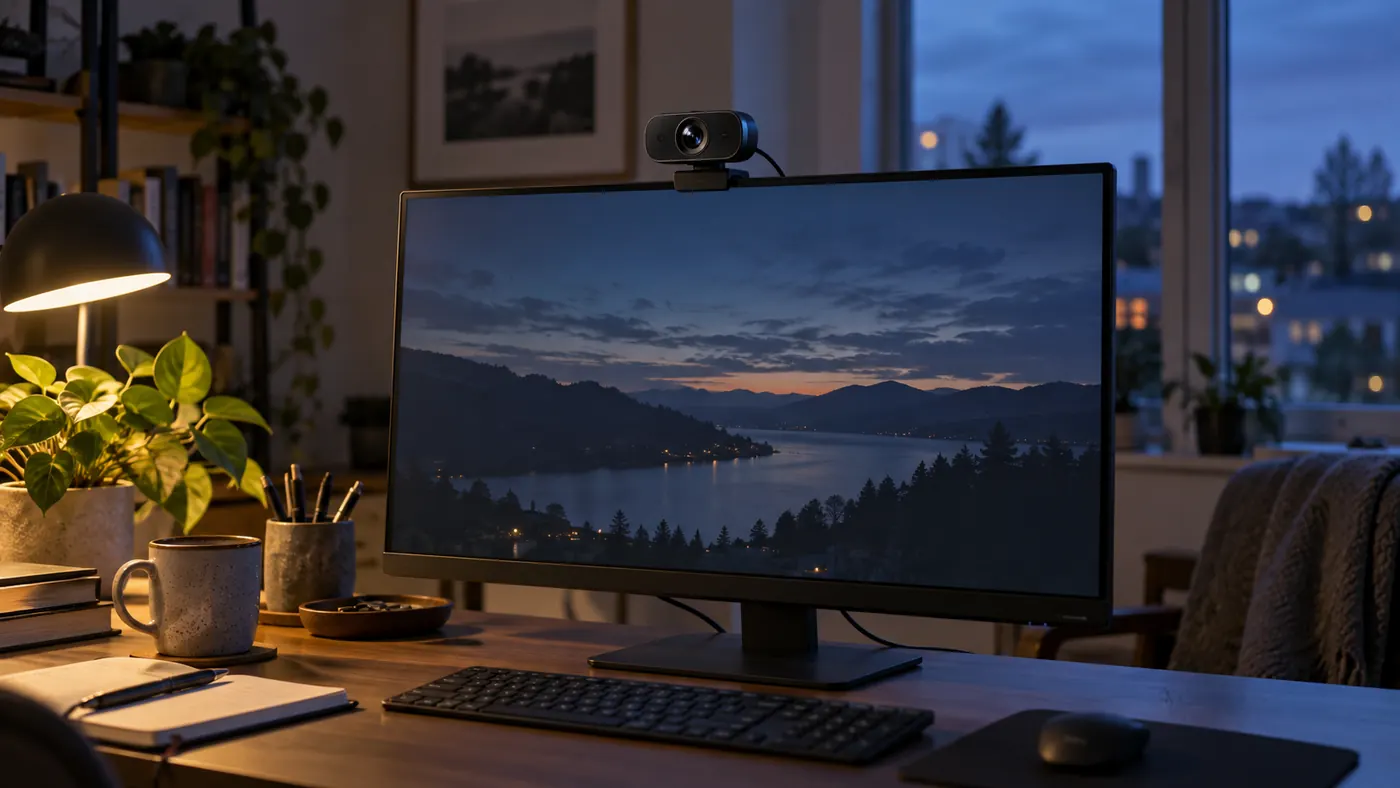
A room survey has a narrower question than a camera review
Before deciding whether a webcam is inadequate, I want to know which version of the room it has been asked to handle. A desk beside a window is not one lighting environment. It may be a cool, evenly lit workspace in the morning, a silhouette at sunset, and a screen-lit corner after dinner. Averaging those conditions into the phrase “poor lighting” hides the very information needed to improve the call.
This survey is meant to produce a description, not a brightness score. You will identify sources, watch transitions, and separate controllable obstacles from conditions that require a different appointment time or seating position. Leave the camera's current controls alone during the first pass. Otherwise the record becomes a mixture of room behavior and compensation, making it difficult to tell whether the space improved or the preview merely became brighter.
Use a private preview with no meeting in progress. If a recording would help, include only yourself and obtain any required workplace permission before saving it. A written note is sufficient for most comparisons. Nothing in this method requires a photograph of confidential material, an occupied neighboring desk, or another person's face. The room can be described without creating an unnecessary record of its contents.
Draw directions from the seated position
Sketch a small rectangle for the desk and put the camera at its actual location, not where you wish it could go. Add the chair, windows, ceiling fixtures, table lamps, and the door to any brighter adjoining room. Use arrows to show which sources illuminate your face directly and which mainly illuminate surfaces behind you. This simple distinction explains why a room can feel well lit while the camera sees very little facial detail.
Now sit down and look toward the lens. A window behind the camera can act as a broad frontal source; one behind your chair can become a bright background the webcam tries to accommodate. A side window may help one cheek while leaving the opposite eye dark. These are tendencies rather than promises, because curtains, exterior shade, wall color, and weather alter the light reaching the desk. Record what appears in your own preview.
Include secondary paths in the sketch. A pale wall can return useful light, while a glossy desktop can send a sharp reflection upward. An open doorway can suddenly brighten the background when someone turns on a hall fixture. The most important source is not always the fixture with the largest bulb. It is the source whose change most alters the face or the camera's response during ordinary use.
Observe three moments rather than one attractive frame
Select the beginning, middle, and end of the period when calls normally occur. These need not be equally spaced, and there is no benefit in pretending a hurried survey is a full daylight study. At each moment, keep the chair and lens in their usual positions. Note weather, blind angle, room lights, and whether your face remains recognizable during a head turn. If conditions change quickly at dusk, add an observation there instead of collecting more nearly identical morning views.
A neutral reference helps you compare those moments. An unprinted, matte gray object placed near cheek height gives you something consistent to inspect beside your face. A white sheet can also reveal a strong color difference, but it may become too bright to show subtle variation. Neither object is a calibrated instrument. Do not convert its appearance into a claimed exposure measurement or assume a phone's automatic camera provides an independent standard.
An example entry, not a measured result
A hypothetical notebook might say: “Late afternoon; blinds half closed; ceiling light off; left eye visible while facing the lens, darker when reading the side display; background window loses detail.” That entry preserves the situation and the visible consequence without guessing at sensor performance. Its next question is whether the side-display posture needs more face light, not whether the webcam deserves a low numerical rating.
When the period ends, compare the descriptions before changing anything. A condition that appears only with direct sun may need a blind adjustment. A face that stays dark throughout the period suggests a more persistent problem with source direction. If every observation differs because the laptop moved, the survey has exposed a missing physical reference rather than a camera fault. Mark a stable position and repeat only the ambiguous portion.
Use the monitor as a controlled disturbance
The screen deserves its own experiment because it is both a work surface and a changing light source. Open a dark application window, then an ordinary light document, at the brightness you normally use. Allow the preview to settle after each change. Watch your face separately from the wall behind it. If the lower face changes color while the background stays steady, screen illumination is likely contributing to the difference.
If the whole image brightens or darkens after the document change, automatic exposure may also be reacting. You cannot determine the exact metering algorithm from this observation. You can establish that a normal work action changes the picture. That is enough to justify testing a steadier face source later. Avoid raising display brightness solely to light yourself if doing so makes reading uncomfortable or produces obvious reflections in your glasses.
Repeat the disturbance with any second display you actually use. A large bright monitor off to one side can make a more uneven contribution than the laptop directly below the webcam. Include common shared-screen material, but substitute a blank demonstration document for sensitive work. There is no reason to expose a real customer file just to find out whether a light-colored slide changes the camera image.
Distinguish low illumination from a difficult brightness range
Two different rooms may produce the same dark-looking face. In one, very little useful light reaches the person. In the other, the face receives reasonable illumination but a much brighter window dominates the composition. Cover the window temporarily with its normal blind, without moving the camera or adding a lamp. If the face becomes easier to see, the brightness range and automatic response deserve attention before a hardware purchase.
Do not assume that losing outdoor detail is a failure. The purpose of a business call may permit a pale window as long as the speaker is clear and no private view is disclosed. Conversely, preserving every background object at the expense of a face is rarely a useful trade. Write down what information matters to the meeting: expressions, lip movement, a demonstration object, or several people sharing the frame.
Inspect the darkest relevant area rather than only the brightest skin highlight. Brows can conceal the eyes under a ceiling fixture even when the forehead looks well exposed. Dark hair against a similar wall may disappear while the face remains readable. These observations call for different remedies. A brighter frontal source may help the eyes; a changed backdrop or seating distance may help the silhouette without increasing glare at the desk.
Ask the baseline to survive actual work
Next, stop posing. Read a note beside the keyboard, turn toward the secondary monitor, lean back to listen, and return to the lens. Keep movements representative of your meetings rather than deliberately extreme. Record where the useful view breaks down. A narrow pool of light that works only when you sit rigidly upright is a poor match for a call involving sketches, documents, or frequent reference to another screen.
Check whether a shared-space event changes the image. A person opening the door, a chair rolling aside, or a nearby light switching off can reveal dependencies you missed while alone. Use a willing helper where appropriate, without recording them. If the setup depends on a household member leaving a hall light on, write that dependency down. It may be easier to remove than to enforce throughout every meeting.
Comfort belongs in the baseline too. Note whether you squint toward a window, avoid looking at a lamp, or choose an awkward posture to stay visible. Those are not cosmetic concerns to be solved after the picture is optimized. An arrangement that changes how you sit or where you look can undermine a long conversation, even if a screenshot suggests the face is beautifully illuminated.
Finish with one bounded diagnosis
The notebook should end in a short statement that another person could act on. “The face becomes a silhouette when afternoon sun reaches the rear window” is more useful than “the camera is terrible.” Add the condition under which the problem is absent. That contrasting observation prevents a local afternoon issue from becoming an unsupported verdict about every use of the device.
Rank possible changes by reversibility. Closing an existing blind, rotating the chair within a safe working area, or switching off an unnecessary background lamp provides a low-commitment next step. Moving furniture, adding a fixture, or buying a camera deserves a clearer reason. If the survey cannot distinguish room behavior from a camera control that keeps changing, preserve your observations and move to the controls guide rather than inventing certainty.
Keep the diagram and the most informative entries, not a large album of almost identical previews. Revisit them when seasons change, the desk moves, or a new call schedule exposes a different window angle. The useful product of this exercise is a known condition you can reproduce. Once that condition is named, the next adjustment has a purpose and its result can be judged without blaming an entire room or an entire camera category.